VIP / ACCOUNT STATUS
Understand the level shown on your account
A PGPC level can describe progress, current standing or access to a benefit. The useful question is not how large the badge looks, but which conditions and dates are attached to it.
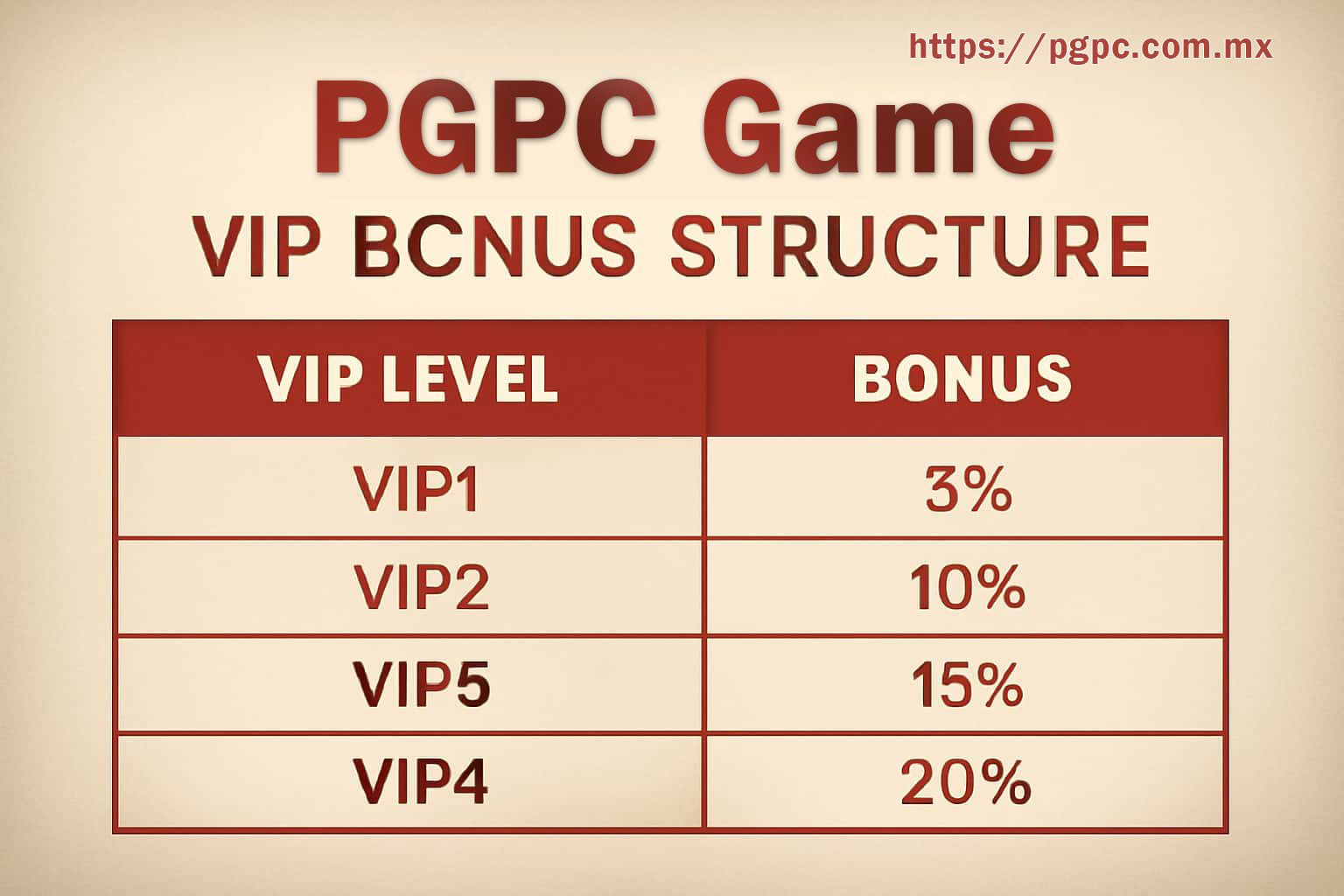
Open the live level page and note the displayed status, qualifying activity, review date and any activation control. Benefits may carry their own use window, exclusions or account checks. An older screenshot from another player cannot establish what is available to you. Separate progress already credited from activity that is merely pending, and check whether the account must claim or activate a benefit before use. A label alone does not explain value. Also note whether the status is calculated daily, per activity period or after manual review.
If progress appears delayed, compare completed activity with the published update period. Save the before-and-after status with IST time, then use one support case if the stated window passes. Avoid repeating payments or account actions simply to move a progress bar. If a benefit is close to expiry, read its individual terms before acting. The level page and the benefit page may carry different dates, so keep both in the same note. Treat any downgrade, pause or renewal message as a separate condition and record it exactly.